

The most appropriate one will depend on your specific requirements. For clip extension or modification, the Magic Hour app works best, for creative AI video, the Runway application is best, while the CapCut app works well for editing tasks.
Our Top 3 Picks
| Tool | Best For |
| Magic Hour | Extending and repurposing social videos |
| Runway | High-quality, creative AI video generation |
| CapCut | Fast, beginner-friendly social video editing |
AI Video Creation Is Changing Social Media Content
Creating a video was a long process of shooting, editing, and exporting. The AI tool now takes your prompts, your images, and your videos and turns them into videos in minutes. This allows smaller crews and solo filmmakers to produce and upload more, without burning out.
Short video content will get the most advantages. Consistently sharing content on Reels, Shorts, Tik Tok, is gaining acknowledgement of the AI and you could be able to re-use video clips from your blog posts, podcasts, and other recordings with video repurposing.
What to Look for in an AI Video Tool for Social Media
Begin by considering the basic functionalities. Tools for creating videos from texts or images, as well as tools for extending and editing videos, will be useful. Make sure that the app exports videos in vertical, square, and wide formats, so one video works on all devices.
Using templates and controls for creativity helps to save time. The quality of video and its generation are also important because slow tools will mean you cannot post often enough.
5 Best AI Video Tools for Social Media: Quick Comparison
| Tool | Best For | Key AI Capability | Social Media Use | Free Access |
| Magic Hour | Extending and repurposing clips | Video extender, text-to-video | Reels, TikTok, Shorts, ads | Free plan |
| Runway | Creative AI video | Text and image-to-video | Cinematic clips, brand videos | 125 one-time credits |
| CapCut | Fast editing | Auto captions, AI editing tools | TikTok, Reels, Shorts | Free plan |
| Pika | Effects and short clips | Pikaffects, image-to-video | Short viral clips | Free plan |
| InVideo AI | Script-to-video | Prompt-based video builder | Explainers, promos | Limited free plan |
1. Magic Hour: Best for Extending and Repurposing Social Videos
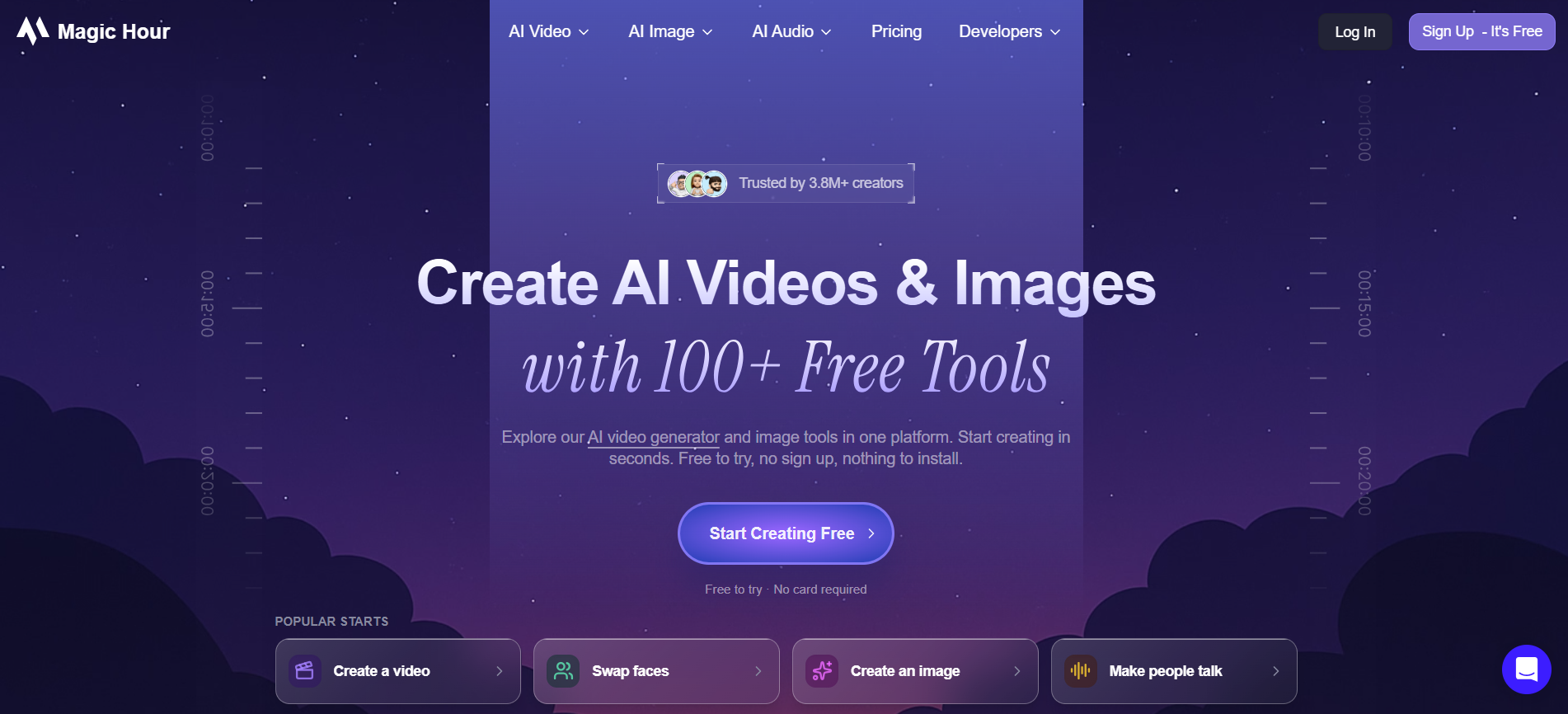
Magic Hour is a web-based platform which has 30+ tools for video, images and audio editing using AI. This tool suits best in situations where one has the raw material and wants to convert it into publishable content.
Its AI video extender tool provides additional seconds in short videos, which is great if you need some more space for your call to action. This solution is more suitable for marketing specialists and creators interested in video repurposing.
Key Features
- AI video extender
- Text-to-video and image-to-video
- Video upscaler
- Face swap and lip sync tools
- API access on higher plans
Pros
- Many tools in one place
- Good for repurposing clips
- Free plan to start
- Simple browser interface
Cons
- Credit-based limits
- Not made for long narrated videos
- Output quality varies by tool
- Fewer deep editing controls
Pricing
- Free: $0/month
- Creator: $19/month
- Pro: $39/month
- Business: $99/month
2. Runway: For Creative AI Video Generation

Runway is a popular AI video software that is well-known for realistic motion and creativity control. You can create video clips from images and texts, and also edit videos with its own editing tools. Runway is favored by designers and businesses that value high visual quality.
Runway is suitable for creative short-form video, such as product teasers or story-telling ads. The price increases quickly due to credits needed for each generation process.
Key Features
- Text-to-video and image-to-video
- Strong motion and camera control
- Video-to-video editing
- Upscaling to higher resolution
- Credit top-ups on paid plans
Pros
- High-quality, realistic output
- Strong creative controls
- Active product updates
- Good for brand content
Cons
- Credits run out fast
- Free plan is only a test
- Costly for heavy use
- Takes time to learn
Pricing
- Free: $0/month
- Standard: $12/month (annual billing)
- Pro: $28/month (annual billing)
- Max: $76/month (annual billing)
3. CapCut: For Fast Social Video Editing
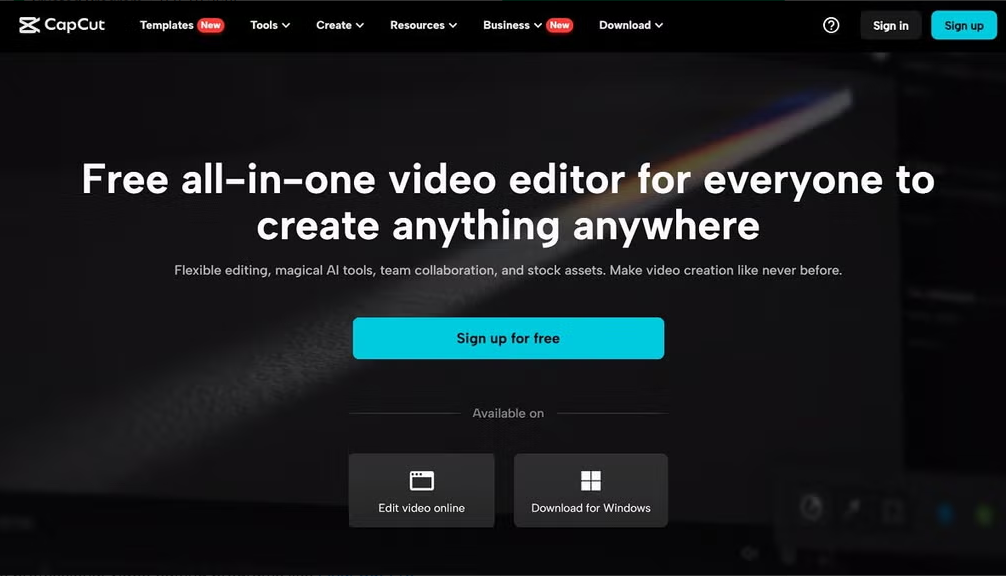
CapCut is an efficient editor that was designed especially for TikTok Reels and Shorts. It offers templates, automatic subtitles, visual effects and basic AI tools which help beginners to create their videos quickly.
This editor is perfect for creators that shoot their own video material and need quick edits. CapCut is primarily an editor, not a video creator.
Key Features
- Auto captions
- Ready-made templates
- AI voice and effects
- Background removal
- Direct social sharing
Pros
- Strong free plan
- Very easy to use
- Great for vertical video
- Large template library
Cons
- AI tools use credits
- Some templates add watermarks
- Pricing changes by region
- Less suited to AI-only video
Pricing
CapCut offers a free plan, with paid features available depending on the region and plan.
4. Pika: For Creative Effects and Short AI Clips
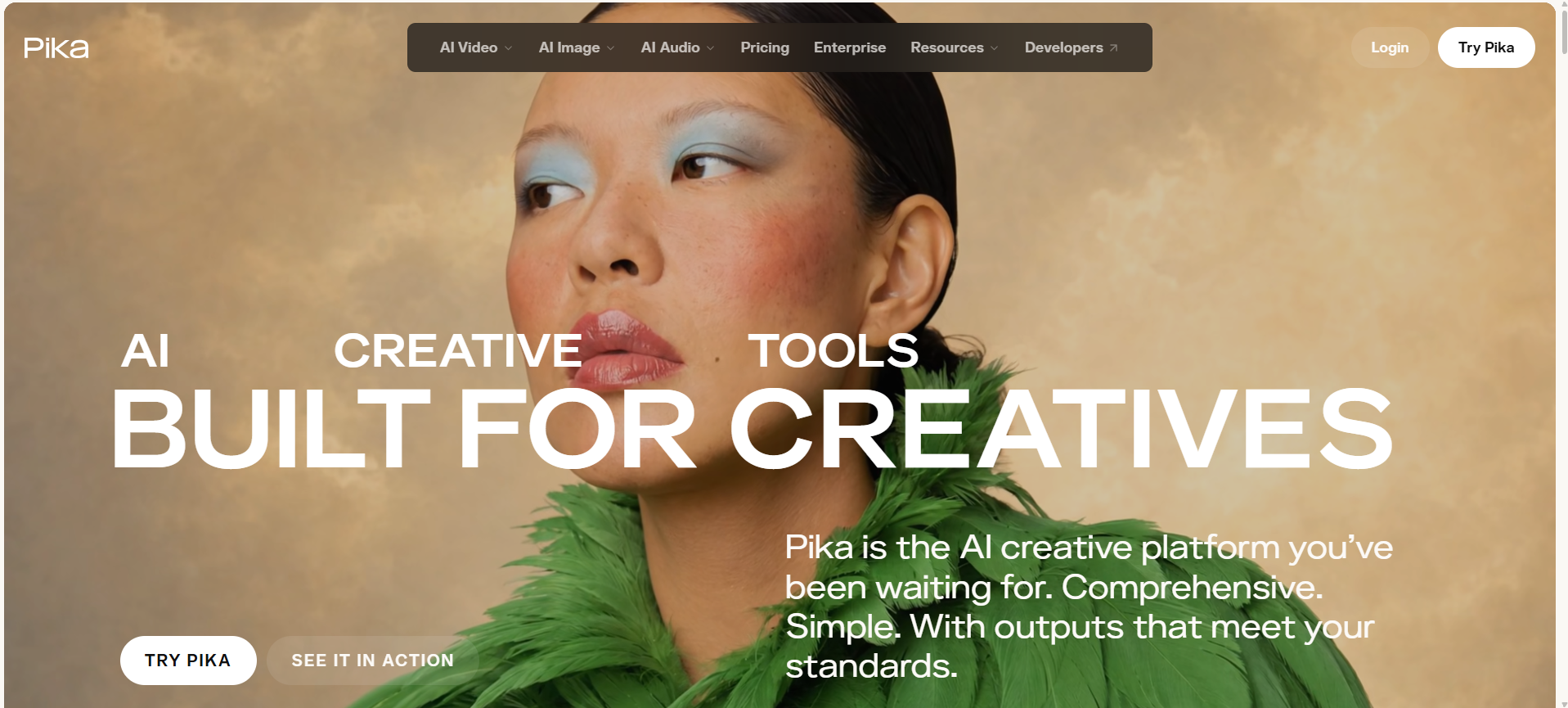
Pika is a video generation tool with AI that provides entertaining visualizations, such as melting, inflating or squeezing an object. The videos usually go viral. You can make videos using text or animate a still picture.
It is a budget-friendly option for people who want to create entertaining videos. It is not the right choice for brand videos.
Key Features
- Pikaffects for viral effects
- Image-to-video
- Text-to-video
- Multiple resolution options
- Credit-based generation
Pros
- Affordable entry plan
- Fun, shareable effects
- Easy to learn
- Free plan to test
Cons
- Free plan is watermarked and limited
- Commercial use needs Pro
- Results may need retries
- Clips stay short
Pricing
- Free: $0/month — 0 credits
- Starter: $10/month — 900 credits
- Creator: $35/month — 3,150 credits
- Fancy: $95/month — 8,550 credits
5. InVideo AI: For Script-to-Video Social Content
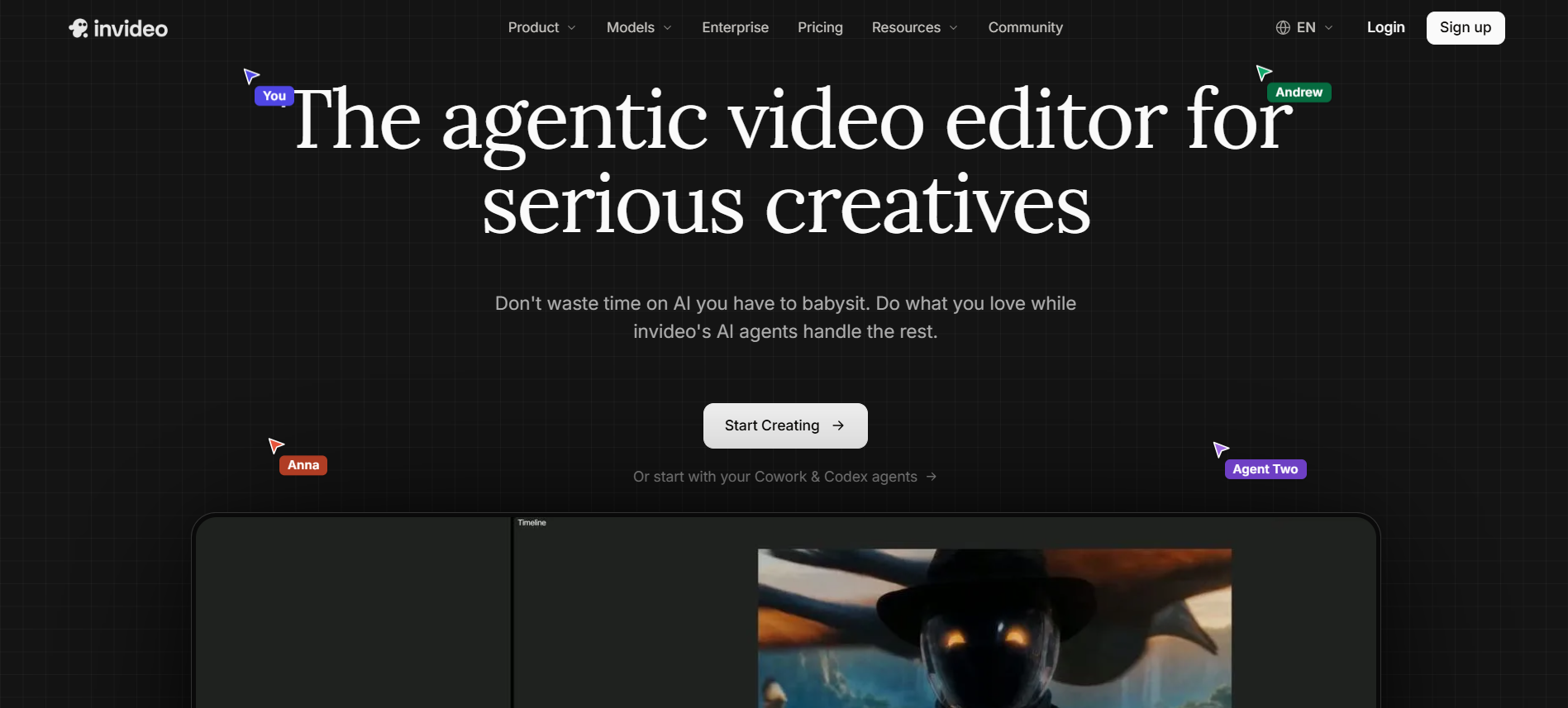
InVideo AI generates a video using only a prompt. It generates the script and makes use of stock videos, AI media, and voice and captioning. Thus, InVideo AI can be used to make instructional, promotional, and educational videos.
InVideo AI will be useful to marketers because they can create a complete draft easily. However, heavy users might have an issue with credits.
Key Features
- Prompt-to-video creation
- AI voiceover and captions
- Stock media library
- Editing through chat commands
- Multiple aspect ratios
Pros
- Fast first drafts
- Good for explainers
- Complete workflow in one tool
- Easy for beginners
Cons
- Free plan is very limited
- Credit limits on paid plans
- Output may need edits
- Top plans are costly
Pricing
- Basic: 190 credits/month
- Pro: 1,000 credits/month
- Ultra: 3,000 credits/month
Creating Different Types of Social Content With AI Video Tools
Short Reels, TikToks and Shorts will be the easiest one to begin with due to their support by both CapCut and Pika. As far as product and promotional videos are concerned, Runway and Magic Hour assist in creating a visual story out of a photo. InVideo AI works for educational and explanation videos where your script will become a video. Additionally, UGC type of videos and content repurposing, such as reusing a blog post or long video as several shorter videos, will be the best strategy for social media marketing growth.
Extending, Editing and Repurposing Existing Videos
It is not always necessary to add new footage. The artificial intelligence software can help you extend the time that the short video lasts, giving you a chance to add captions or call to action. It can even be adjusted to fit the aspect ratio of Reels, Shorts, and feed posts. With reframing, you are guaranteed that your subject stays in the center of the camera view all the time.
Video Quality, Speed and Creative Control
It is always better to test out a tool before using it. It should be considered whether or not the motion is realistic and consistent along with other features such as character and scene. Speed and resolution should also be considered, especially for anyone who posts every day. Choose a tool that allows room for editing.
Conclusion
The correct AI video tool will save you time and keep your feed active. Use Magic Hour for repurposing, Runway to get creative and quality results and CapCut to make the process faster. Try out one free trial first and only then switch to paid ones if necessary.