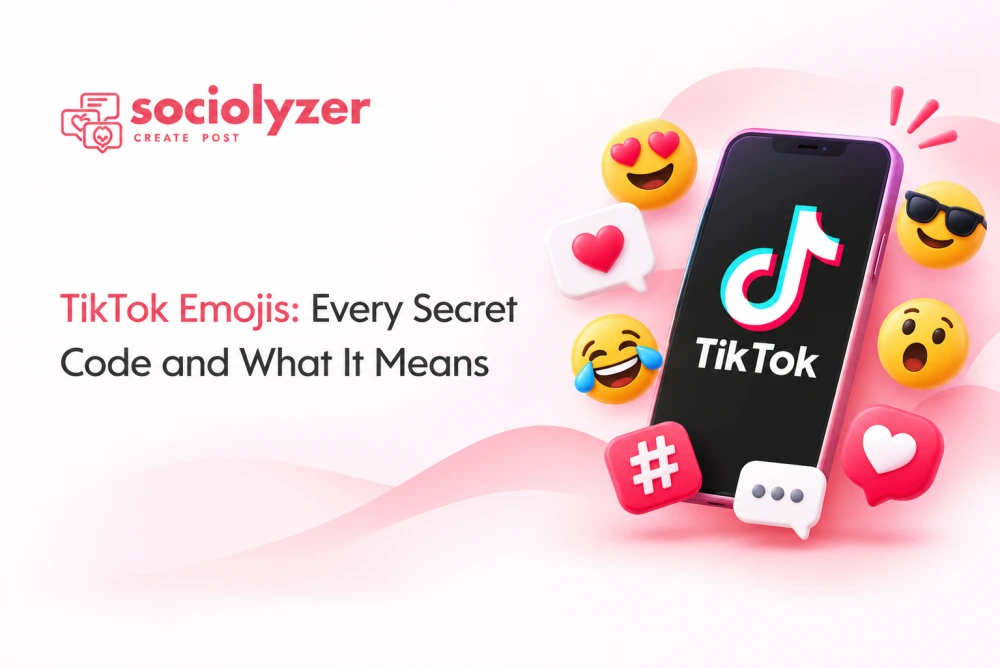
TikTok emojis are hidden emoji designs that appear when you type a short code in square brackets, like [smile] or [cry]. You won’t find them on your phone’s emoji keyboard, because they only exist inside the TikTok app.
This guide lists all 46 secret TikTok emoji codes with their meanings. It also shows you how to use them in comments and captions, and what to do when a code shows up as plain text. One note for readers in India: TikTok has been banned in India since 2020, so the app and these codes are not available there.
Quick Answer: What Are TikTok Secret Emojis and How Do They Work?
TikTok secret emojis are 46 custom emojis that appear when you type a code in square brackets, such as [smile], in a TikTok comment. The app then swaps the code for its own emoji design. They work in the TikTok app on Android and iPhone, but on other apps the codes stay as plain text.
Why TikTok Emojis Look Different From Keyboard Emojis
TikTok draws its hidden emojis in its own cartoon style, so they look different from the Apple, Google or Samsung emojis on your keyboard. They also look the same on Android and iPhone, because TikTok supplies the design instead of your phone. And since they only exist on TikTok, they help your comments stand out.
How TikTok’s Secret Emoji Codes Work
Each hidden emoji has its own code, which is a single word inside square brackets. For example, [happy] shows excitement, [cry] shows sadness and [thinking] shows curiosity.
When a comment includes a code, TikTok displays the matching emoji in its place. The codes work most reliably in comments, though, while captions and other places can behave differently.
All 46 TikTok Emojis and Their Secret Codes
Here is the full list, grouped by mood. However, keep in mind that the meanings are common uses rather than official definitions, so context still matters.
Note: The keyboard emoji next to each code shows the mood only, because TikTok’s own designs look different. You can see the actual designs on Emojipedia’s TikTok emoji list.
Happy and Positive Reactions
Use these when you want to cheer someone on or share good news.
- [smile]: friendly happiness 🙂
- [happy]: excitement and joy 😁
- [joyful]: cheerful laughter 😆
- [excited]: extreme enthusiasm 😃
- [lovely]: affection and sweetness 🥰
- [loveface]: love and admiration 😍
- [angel]: innocence and kindness 😇
- [pride]: quiet satisfaction 😌
Sad and Embarrassed Expressions
These fit when a video hits close to home or you want to show sympathy.
- [cry]: intense crying 😭
- [weep]: sadness or disappointment 😢
- [tears]: an emotional, teary reaction 🥺
- [wronged]: feeling hurt or mistreated 😞
- [embarrassed]: awkward embarrassment 😅
- [awkward]: social discomfort 😬
- [nap]: sleepiness or exhaustion 😴
- [flushed]: shyness or blushing 😳
Funny and Playful Reactions
Reach for these when a video makes you laugh or you want to keep things light.
- [laugh]: loud laughter 🤣
- [laughwithtears]: laughing uncontrollably 😂
- [hehe]: a mischievous giggle 🤭
- [funnyface]: a goofy reaction 🤪
- [cute]: an adorable expression 😊
- [blink]: a playful wink 😉
- [yummy]: enjoying tasty food 😋
- [drool]: strong desire or admiration 🤤
Angry and Dramatic Expressions
These suit over-the-top reactions, so save them for playful moments rather than real arguments.
- [angry]: frustration 😠
- [rage]: extreme anger 😡
- [shout]: loud frustration 🤬
- [sulk]: annoyance or dissatisfaction 😒
- [slap]: a dramatic reaction 🤚
- [wicked]: mischievous intentions 😈
- [evil]: a sneaky expression 👿
- [disdain]: disapproval or contempt 😑
Surprised and Thoughtful Expressions
Use these when a plot twist catches you off guard or a video gets you thinking.
- [surprised]: unexpected surprise 😮
- [shock]: strong disbelief 😨
- [stun]: being stunned 😵
- [astonish]: amazement 😲
- [speechless]: having no words 😶
- [scream]: fear or extreme surprise 😱
- [wow]: admiration 🤩
- [thinking]: curiosity or consideration 🤔
Cool and Other Expressions
These add confidence, sarcasm or a little attitude, so they work well in playful replies.
- [cool]: confidence 😎
- [proud]: smug satisfaction 😤
- [smileface]: sweet happiness ☺️
- [greedy]: wanting money or rewards 🤑
- [complacent]: self-satisfaction 😏
- [facewithrollingeyes]: sarcasm or annoyance 🙄
How to Use Secret Emojis in TikTok Comments and Captions
The codes are short, so adding them takes only a few seconds. Follow these steps:
- Pick a code. Choose an emoji from the list above that matches what you want to say.
- Type the brackets. Write the full code with both square brackets, for example [cool].
- Add your message. Then place the code naturally in your comment or caption.
- Check the result. Finally, post it and make sure TikTok has turned the code into an emoji.
For example, you could comment: “That ending was unexpected [shock].”
Spelling matters, though. If even one letter is wrong, TikTok shows the code as plain text instead of the emoji.
Why Your TikTok Emoji Code May Not Work
Sometimes a code shows up as plain text instead of an emoji. In most cases, that happens because of one of these:
- The code is misspelled.
- One or both square brackets are missing.
- The code is not one of the 46 supported codes.
- Your TikTok app is out of date.
So check the spelling, add both brackets, update the app and test the code in a comment first.
Secret TikTok Emojis vs Regular Emojis: What’s the Difference?
| Feature | Secret TikTok emojis | Regular emojis |
|---|---|---|
| How you add them | Bracket codes | Emoji keyboard |
| Look | TikTok’s own designs | Standard Unicode designs |
| Where they work | Inside the TikTok app | Almost every app |
| On other platforms | Stay as plain text codes | Display normally |
In short, regular emojis work almost everywhere, while TikTok’s secret emojis only appear on TikTok.
Make Your TikTok Comments Stand Out
With 46 hidden TikTok emojis, you have more ways to show happiness, love, sarcasm or disappointment than your keyboard offers. So try a few in your next comments, notice which ones your audience reacts to, and keep a short list of favorites handy.
Similarly, TikTok slang makes comments easier to follow once you know what it means. For example, our guide to what PMO means on TikTok explains a term you will see often. And when you need your next video topic, our free TikTok Idea Generator can suggest fresh ideas for your niche.