
Videos on Instagram don’t have an option to download the videos directly from Instagram. Therefore, one requires a free Instagram video downloader to backup his/her Reels, view the video offline, or save the video he/she is permitted to reuse. The following guide provides a comparison of six top Instagram video downloaders to help you choose the right one fast.
Our Top 3 Picks
| Top Pick | Best For | Price |
| FastDL | Fast, simple downloads | Free |
| SaveFromIns | Reels, Stories, and IGTV | Free (ads on free version) |
| SaveFrom.net | Choosing video quality | Free |
FastDL is the easiest to start with. SaveFromIns covers the most Instagram formats. SaveFrom.net gives you quality options before you download.
What Is an Instagram Video Downloader and How Does It Work?
Instagram Video Downloader is a tool which helps you download videos from the social networking site Instagram. All you have to do is to copy the link of any video post from Instagram and paste it in the application. The video will then be downloaded directly to your computer through the use of this button.
Most software will work only with public profiles. These tools generally allow for downloading Reels, normal video posts, or even Stories and IGTV. In case you wish to download Instagram videos from a private profile, you have to obtain permission from the profile owner. Most free tools won’t work too.
What Should You Look for in a Free Instagram Video Downloader?
Not every tool is equal. Check these points before you pick one:
- Video quality: Look for HD Instagram video download support.
- Speed and simplicity: It should not take long to paste the link.
- No login needed: Safe tools will never request your Instagram password.
- Ads and pop-ups: Free software displays advertisements, but too many is a bad sign.
- Device support: It must work on both phone and desktop platforms.
- Extra formats: Some apps also store pictures, Stories, or audio.
- Privacy: Select an application that does not request irrelevant access.
Best 6 Free Instagram Video Downloaders in 2026
| Tool | Best For | Key Features | Price | Free Plan |
| SaveFromIns | Reels, Stories, IGTV | Multi-format support, HD output | Free | Yes |
| IG Export | Simple link-based saving | Paste-and-download | Free | Yes |
| VideoDropper | Quick one-off downloads | Paste-and-download | Free | Yes |
| InSaver | Mobile and browser users | Share-to-save, CSV export (extension) | Free; paid extras in iOS app | Yes |
| SaveFrom.net | Quality selection | Browser extension, multi-site support | Free | Yes |
| FastDL | Speed and simplicity | Videos, photos, Reels, carousels | Free | Yes |
1. SaveFromIns
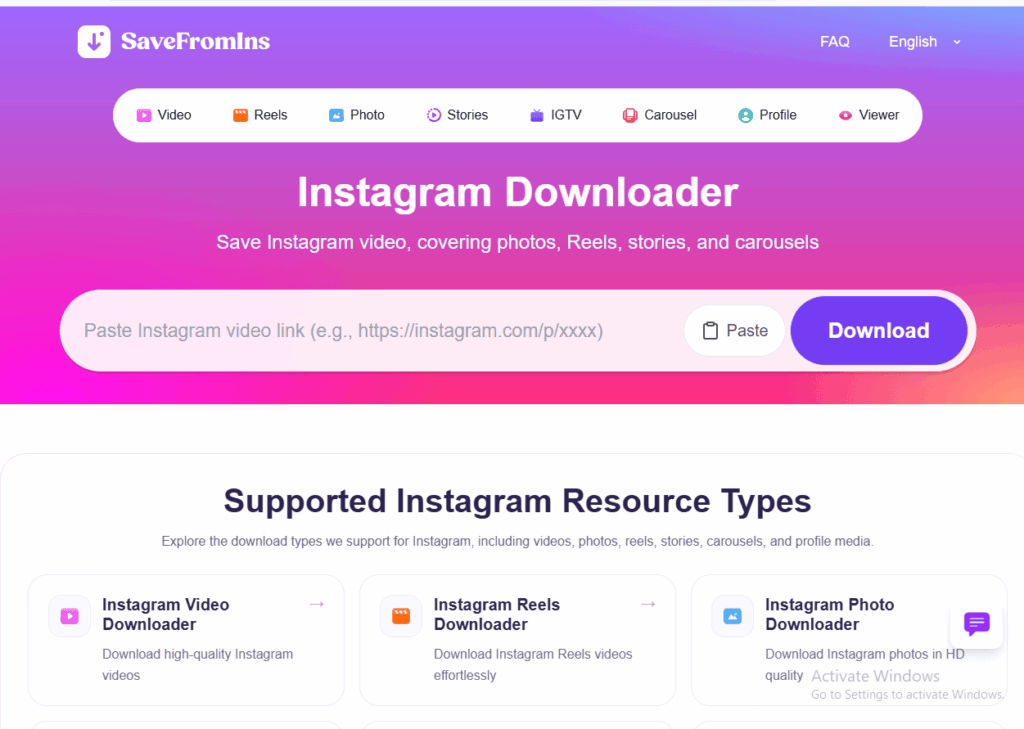
SaveFromIns is an online Instagram Reels downloader that runs in the browser itself and does not require any software installation. SaveFromIns is a universal video and audio downloader, which means that it can be handy when saving videos from multiple websites, much like a free YouTube to MP4 converter.
It allows for the creation of content through Reels, Stories, IGTV, as well as videos, with HD quality being possible. While the free version comes with some ads, the procedure is easy to follow and suitable for beginners.
Key features
- Reels, Stories, and IGTV support
- HD video output
- No software installation
- Works on phone and desktop
- Also supports music and other sites
Pros
- Covers many Instagram formats
- Easy for beginners
- No app needed
- Good video quality
Cons
- Ads on the free version
- Works with public content only
- Not built for bulk downloads
- No advanced editing tools
Pricing
Free online video downloading.
2. IG Export

IG Export is the link-based program for downloading videos from Instagram. Just input your post link, select the file and download it. The registration procedure is omitted to ensure speed and ease.
This is suitable for individuals who require a download every now and then and wish to bypass heavy functionalities. In case you do not use the site too often for uploading your Reels, such a simple application will do just fine. Just make sure that you use the site safely.
Key features
- Paste-link downloading
- Video file saving
- No Instagram login needed
- Browser-based use
- Works on mobile and desktop
Pros
- Very simple to use
- No signup
- Free to use
- Quick for single videos
Cons
- Fewer extra features
- Little public information about the tool
- Ads may appear
- Public posts only
Pricing
Free online video downloading.
3. VideoDropper
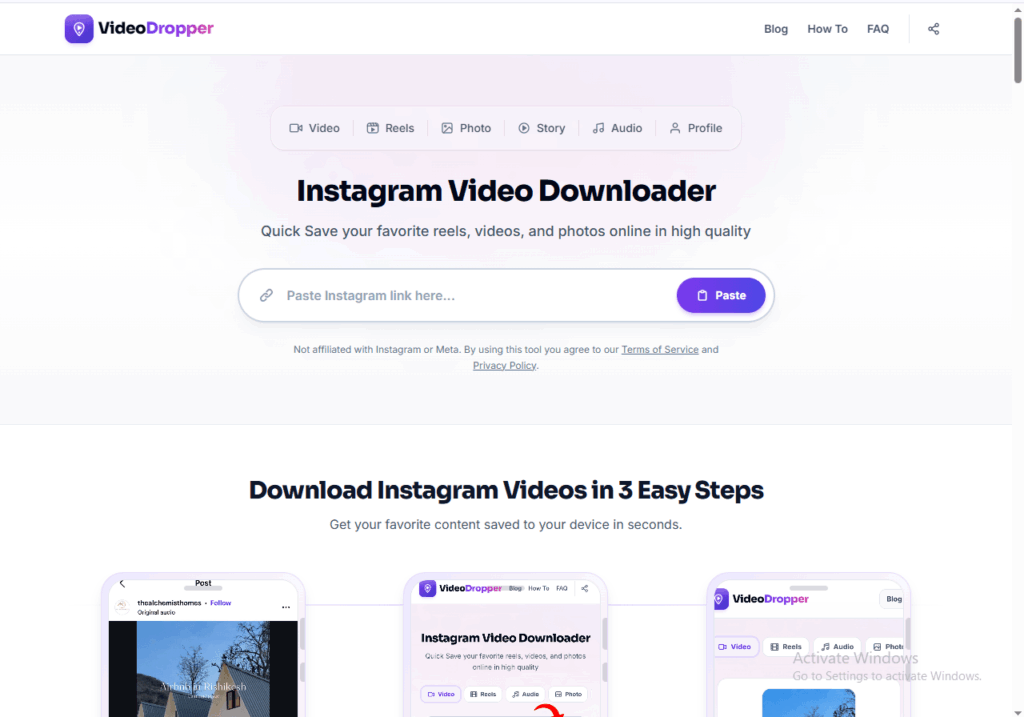
VideoDropper is a very simple web-based utility to download any video from the internet, even from Instagram. It works by copying the URL and downloading the file.
It suits those who prefer a page that is clean without any additional actions. It is not designed for downloading content in bulk, but it is convenient to save a clip for future use. As always with a free downloader, be careful with false download buttons.
Key features
- Link-based video saving
- Browser use, no install
- Quick processing
- Works on most devices
- No account needed
Pros
- Clean, simple flow
- Free to use
- Fast for single clips
- Good for beginners
Cons
- Limited advanced options
- Ads may appear
- Little public review data
- Public content only
Pricing
Free access with optional paid features.
4. InSaver
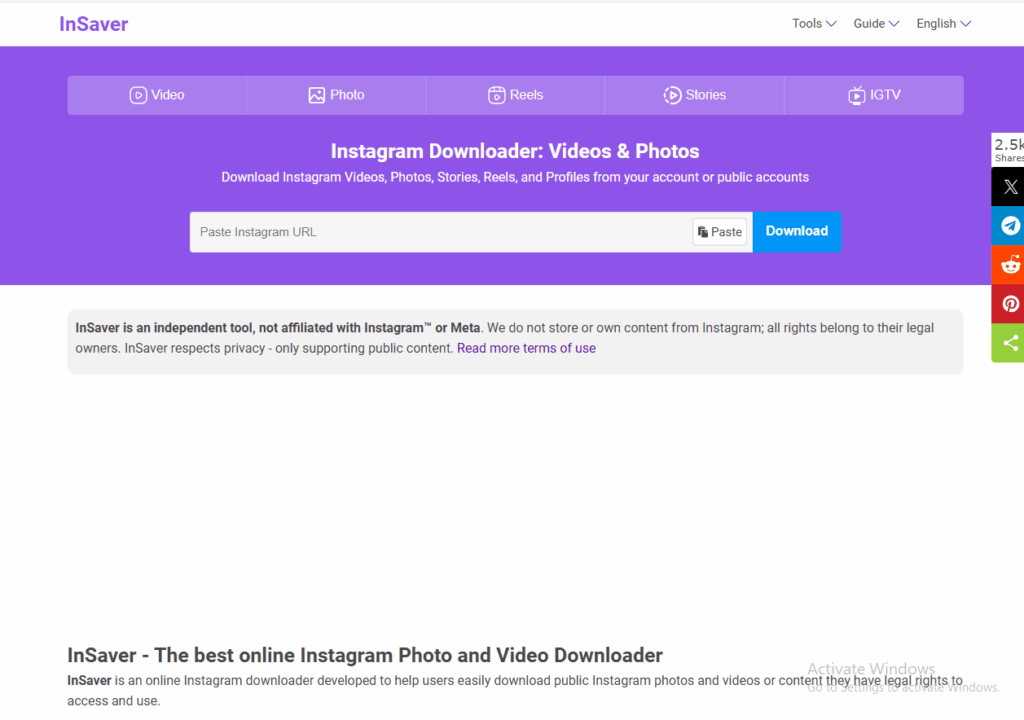
InSaver exists both as a Chrome extension and as a mobile application, but the functionality of the two varies. Through the Chrome extension, one can download images, Reels, and videos from Instagram and also export data in CSV files.
Mobile works via the “Share to” process, where you save the video directly from Instagram. The other features of reposting and bookmarking come for free up to a limit. This way, the application is versatile for Instagram video saver on your phone.
Key features
- Chrome extension for quick saving
- Share-to-save on mobile
- Export to CSV (extension)
- Reels, photos, and videos
- Bookmarks and reposting in the app
Pros
- Works as an extension and an app
- Handy share-to-save flow
- Useful for managing many posts
- Free to start
Cons
- Different versions can confuse users
- Some app features need a subscription
- Extension has few public reviews
- Needs permissions to install
Pricing
Free to start. The iOS app limits free reposts and bookmarks to three, and unlimited use needs a paid subscription.
5. SaveFrom.net
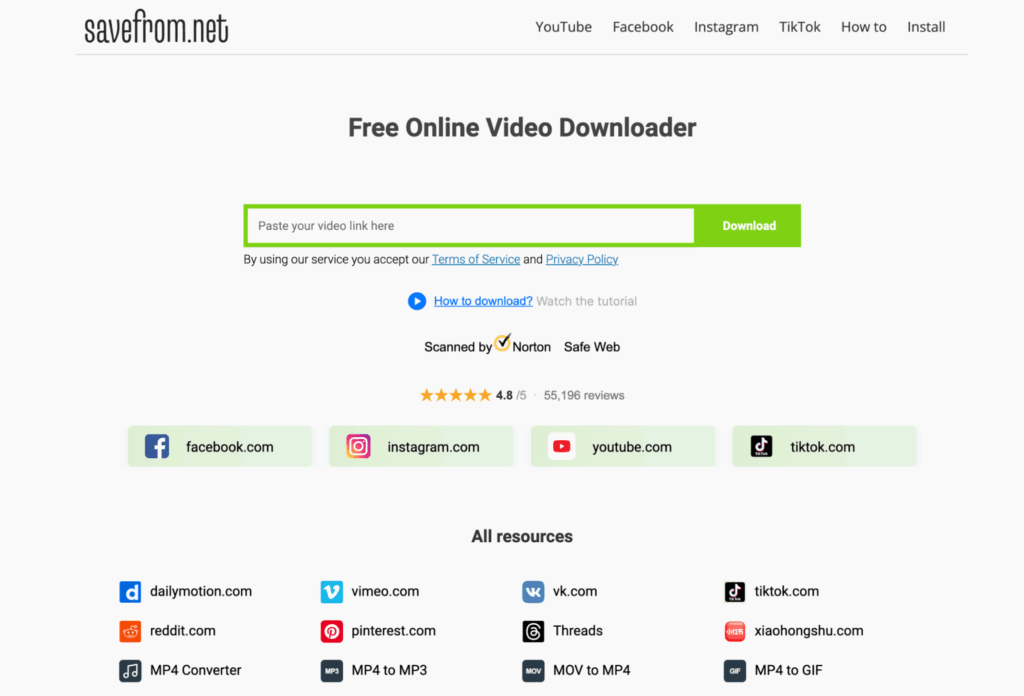
Savefrom.net is an experienced file-downloader that can be used for various platforms, including Instagram. One could simply paste the link on their website or use their browser plugin to place download buttons directly on the post.
Its strength lies in the fact that one can choose the level of quality in the video before downloading. This comes in handy when one needs a more detailed video or when space conservation is necessary.
Key features
- Quality selection before download
- Browser extension option
- Video and photo support
- Works across many sites
- No registration needed
Pros
- Choose your video quality
- Extension adds download buttons
- Trusted by many users
- Free to use
Cons
- Ads and pop-ups
- Extension needs browser permissions
- Not made only for Instagram
- Public content only
Pricing
Free online video downloading.
6. FastDL
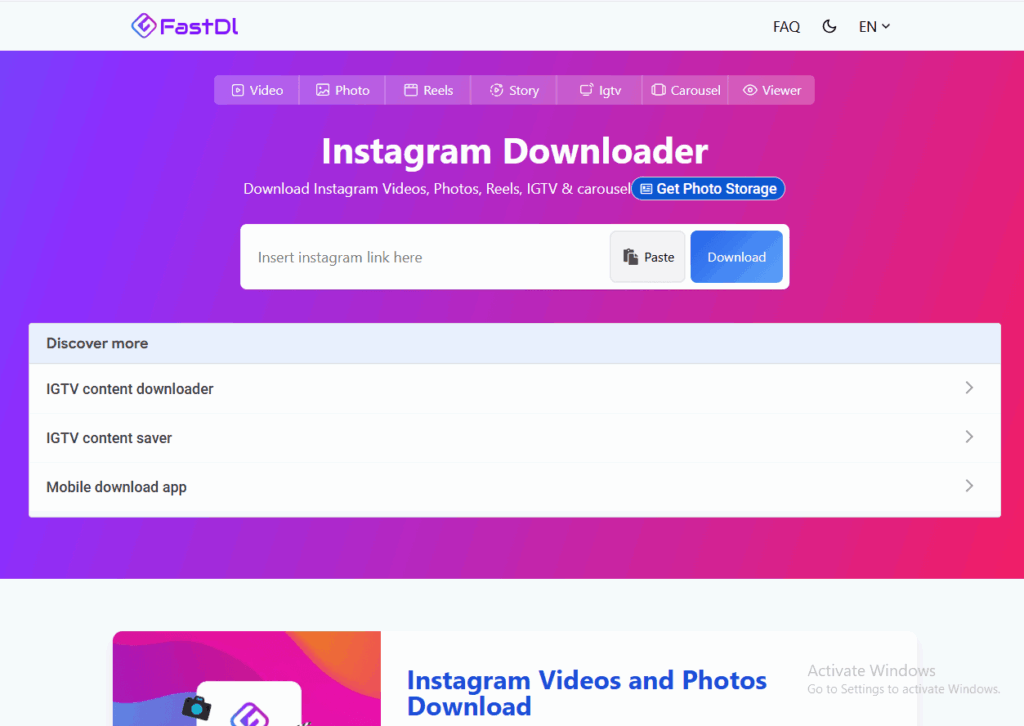
FastDL concentrates on speed and convenience when it comes to downloading from Instagram. All you have to do is copy-paste a link and get the file in just a few clicks without having to log in.
This app will suit you well if you are looking for a way to download Instagram videos instantly without having to learn how to use another software. This application does not have any advanced options, which is precisely why it’s considered simple. If you want to turn downloaded photos into clips, use these tools to convert images to video.
Key features:
- Videos, photos, and Reels
- Carousel post downloads
- HD quality output
- No login required
- Fast processing
Pros
- Very fast and simple
- Handles many content types
- No signup
- Free to use
Cons
- Few advanced features
- Ads may appear
- Public content only
- Not made for bulk downloads
Pricing
Free online video downloading.
How to Download Instagram Videos Safely
Not all free downloaders can be trusted, you should exercise caution. It is advisable to only visit sites that are widely known. Do not enter your Instagram password because a genuine downloader will not need it. Sharing login details or using risky tools can also hurt your account reach, so learn how an Instagram shadowban happens and how to avoid it.
Take care while using browser add-ons, and ensure that you are aware of their permission requests before installing. In case a website compels you to download some software, close the website.
Conclusion
Choosing the correct Instagram video downloader will depend on your requirements. FastDL is best for speed, SaveFromIns is best for the highest number of formats supported, while SaveFrom.net gives the option of setting the quality. However, whatever method you use, remain safe and do not use anything requiring your login details.