
The best free YouTube to MP4 converter for most people is 4K Video Downloader+: it is simple, ad-free, and has a free plan. Choose yt-dlp if you want full control, or ClipGrab if you want a basic, free downloader.
Our Top 3 Picks
| Pick | Tool |
| Best Overall | 4K Video Downloader+ |
| Best for Advanced Users | yt-dlp |
| Best for Simple Downloads | ClipGrab |
How to Choose a Safe YouTube to MP4 Converter
Trust the source. A safe YouTube downloader program needs to be downloaded from the official developer’s site and not from some random mirror or a cracked version. Watch video quality and format. Most good services will export MP4 files, but some will also save MKV or MP3 format.
Be aware of restrictions. Some free plans limit the number of downloads you can do per day, and other tools will simply slow you down after the free trial is up. If you want a YouTube playlist downloader, make sure the service supports playlists before you install. Read your installer screen. Some apps will include bloatware or ads, and you’ll want to decline anything you didn’t ask for.
Quick Comparison: 6 Best Free YouTube to MP4 Converters
| Tool | Rating | Best For | Key Features | Price |
| 4K Video Downloader+ | 4.7/5 | High-quality downloads | Up to 8K, playlists, subtitles, no ads | Free ; From $15/year or $25 lifetime |
| yt-dlp | 4.6/5 | Advanced users | Command line, 1000+ sites, full control | Free |
| ClipGrab | 4.2/5 | Simple downloads | MP4/MP3, clipboard detection, open source | Free |
| Any Video Converter | 4.3/5 | Video conversion | 1000+ formats, batch convert, no watermark | Pro from $19.95 |
| WinX YouTube Downloader | 4.4/5 | Windows users | Up to 8K, batch downloads, no watermark | Free |
| MediaHuman YouTube Downloader | 4.2/5 | Playlist downloads | Playlists, channels, MP4/MP3 | Free; $24.99 one-time |
1. 4K Video Downloader+
Best for High-Quality Downloads
Rating: 4.7/5
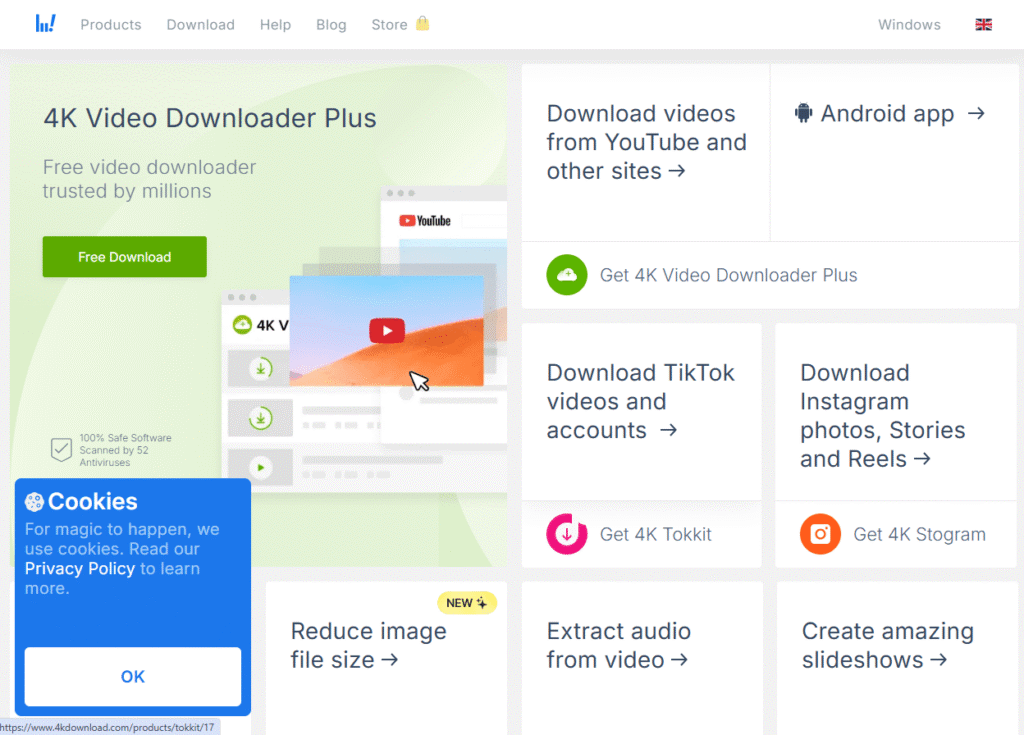
4K Video Downloader+ is a computer application that downloads YouTube videos, playlists and channels, as well as videos from other sites. It’s available for Windows, macOS, and Linux, and it’s one of the quickest, most straightforward tools for download YouTube videos in MP4 or MKV format.
Because of its simplicity and lack of ads, it is a good option for one-time and novice users. The free version offers the facility to download 10 videos daily, whereas the premium version offers unlimited downloading.
Key features
- MP4 and MKV downloads up to 8K
- Playlist and channel downloads
- Subtitle download
- Smart Mode for saved quality settings
- Built-in browser
Pros
- Clean, ad-free interface
- Works on Windows, Mac and Linux
- Generous free plan
- Strong video quality options
Cons
- Free plan has a daily limit
- Some features need a paid plan
- Not open source
- Different from the older 4K Video Downloader
Pricing
- Free: $0/user
- Lite: $15/year
- Personal: $25/lifetime
- Pro: $45/lifetime
- Bundle: $65/lifetime
2. yt-dlp
Best for Advanced Users
Rating: 4.6/5
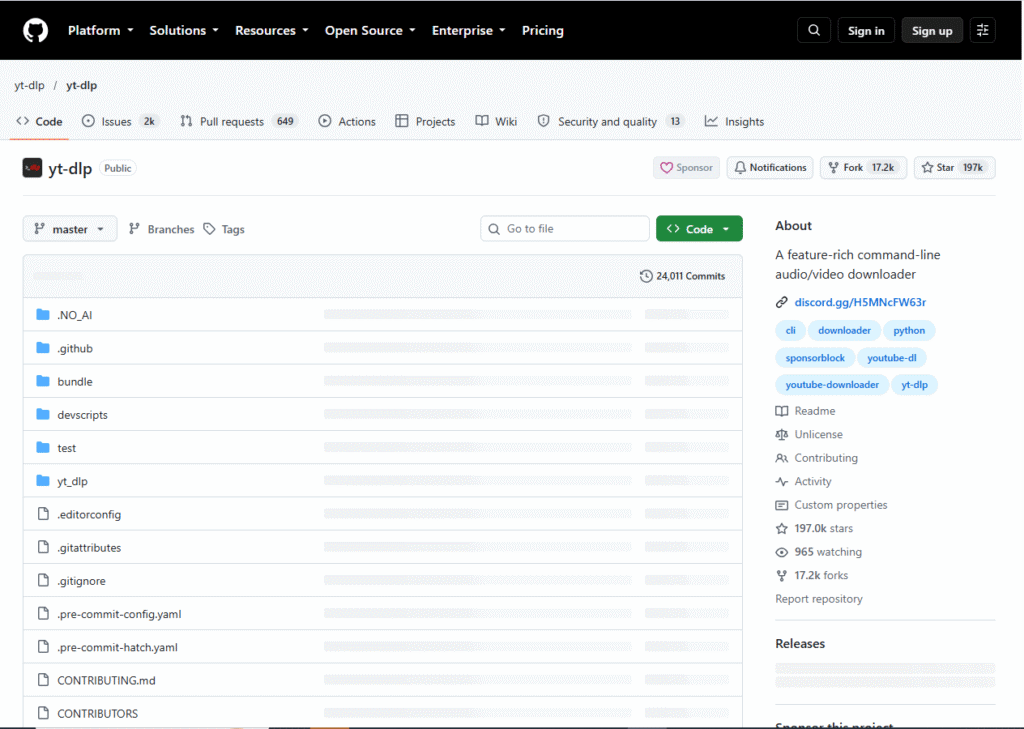
yt-dlp is a command-line tool for downloading video and audio from YouTube and a wide range of other sites. It is free, open-source software that works on Windows, macOS and Linux, and developers keep updating it whenever YouTube updates its own site.
It doesn’t have a nice graphical window, so it’s best if you are happy to work with commands – but you get complete control over quality, format, subtitles and batch jobs. YouTube to MP4 conversion made easy. No limits, no ads, no charges.
Key features
- Supports YouTube and a huge list of other sites
- Choose exact quality and format
- Playlist and batch downloads
- Subtitle and metadata options
- Frequent updates
Pros
- Completely free and open source
- No ads or bundled software
- No download limits
- Very flexible
Cons
- Command line only
- Steep learning curve for beginners
- May need FFmpeg to merge video and audio
- Needs regular updates
Pricing
- Free: $0/user/month
- Team: $4/user/month
- Enterprise: $21/user/month (starting price)
3. ClipGrab
Best for Simple Downloads
Rating: 4.2/5
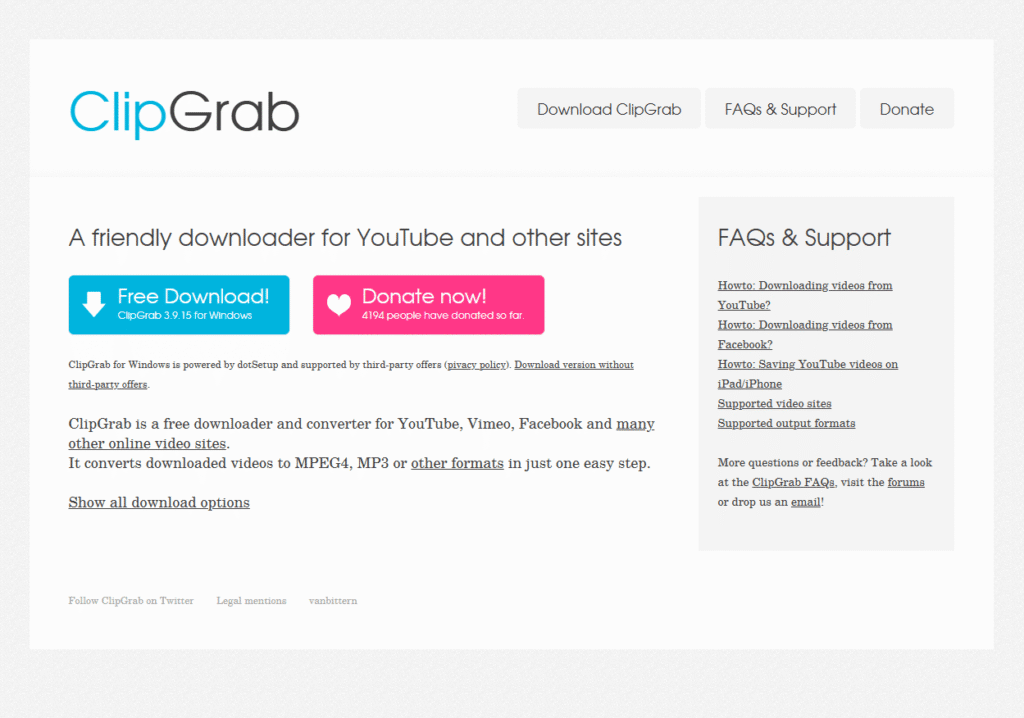
ClipGrab is a modest free app for Windows, macOS and Linux. You can either paste in a link, select MP4 or MP3 and download. Or, if you copy a video link to the clipboard, it’ll alert you that you can download it too.
Donation-supported open source software that’s free from subscriptions. Watch out for the offer to install an additional app when you run the Windows setup file, and always opt to install the version of the app that doesn’t include third-party offers. Then you’ll get a free YouTube downloader that you probably won’t need to use often.
Key features
- MP4 and MP3 output
- Clipboard link detection
- Quality selection
- Works on Windows, Mac and Linux
- Open-source code
Pros
- Free with no daily limits
- Very easy to learn
- Light on system resources
- Open source
Cons
- Basic feature set
- Windows installer may include extra offers
- No built-in editing tools
- Less polished than paid apps
Pricing
- Free: $0/user
4. Any Video Converter
Best for Video Conversion
Rating: 4.3/5
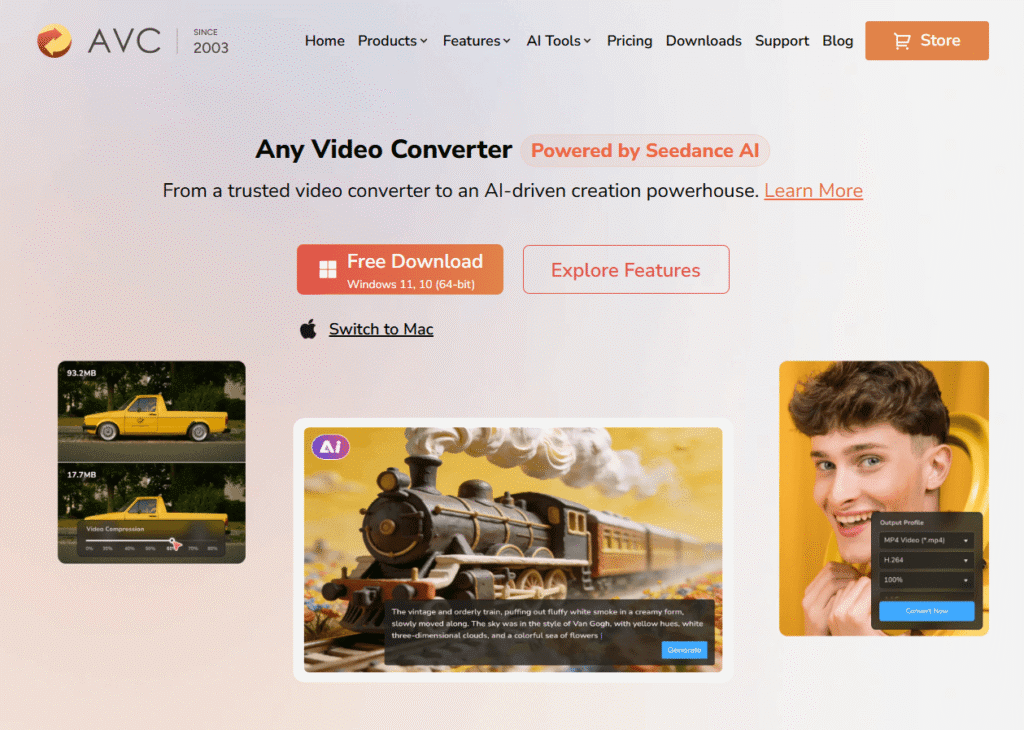
Any Video Converter is an application for Mac OS X and Windows PC that allows converting video files to over 1,000 different file formats. The Free version of this software includes a video downloader which means that you can download a YouTube video and convert it to MP4.
It’s ideal for converting, compressing, or editing existing video files. It doesn’t add any watermarks to videos with the free edition. You will see the occasional pop-up telling you to get the Pro upgrade.
Key features
- Converts 1000+ formats
- Built-in video downloader
- Batch conversion
- Compress, trim and merge
- No watermark in the free version
Pros
- Free and watermark-free
- Great for conversion jobs
- Easy presets for phones and devices
- Simple interface
Cons
- Upgrade pop-ups
- Not a pure downloader
- Advanced tools are paid
- No Linux version
Pricing
- Free: $0
- Pro: $19.95
- Ultimate: $29.95
5. WinX YouTube Downloader
Best for Windows Users
Rating: 4.4/5
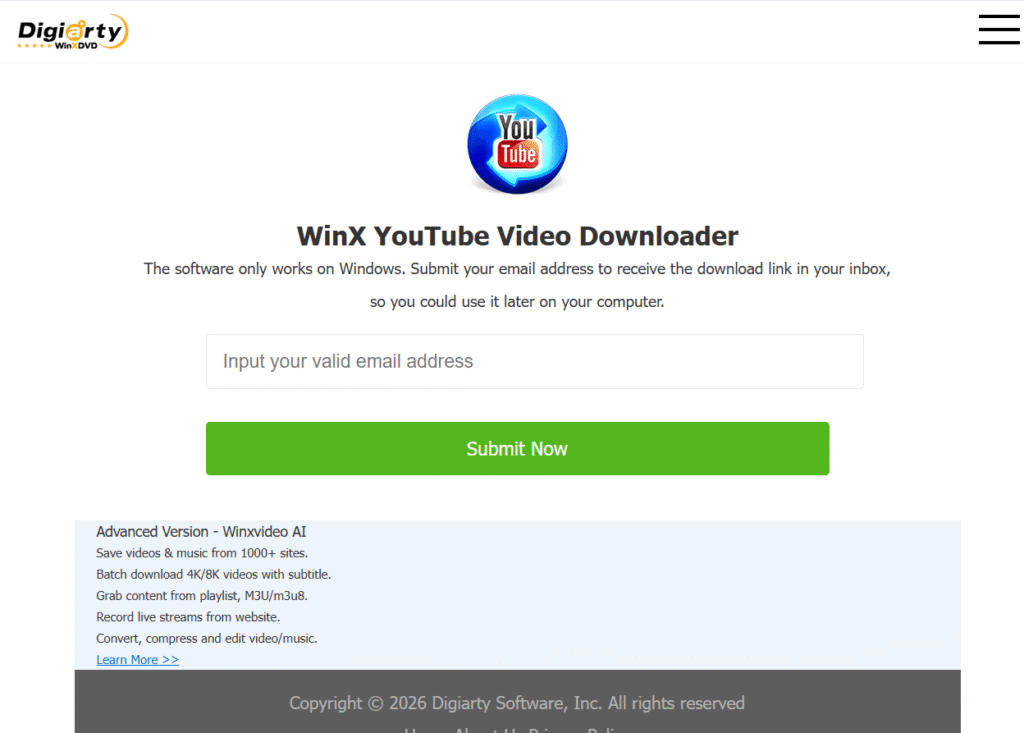
WinX YouTube Downloader from Digiarty is a free software for Windows which allows downloading videos in 4K and 8K resolutions. Just copy the link, press Analyse, and then select your preferred format and size. You can download multiple videos at once, and no watermarks are added to the files.
The software is rated as ‘easy to use’ and ‘fast’ by reviewers, and they say it’s good for those new to using video downloaders. Only the occasional nag screen to upgrade may frustrate some. It’s a handy tool for Windows owners looking for straightforward video downloads.
Key features
- Downloads up to 4K and 8K
- Batch downloading
- Choose format and resolution
- Built-in video preview
- No watermarks
Pros
- Free to use
- Fast and beginner-friendly
- Works with many sites
- Few ads
Cons
- Windows only
- Occasional upgrade prompts
- MP3 extraction needs a paid upgrade
- Fewer updates than yt-dlp
Pricing
Free. Extra features need paid Plan. Check the official site for current Price.
6. MediaHuman YouTube Downloader
Best for Playlist Downloads
Rating: 4.2/5
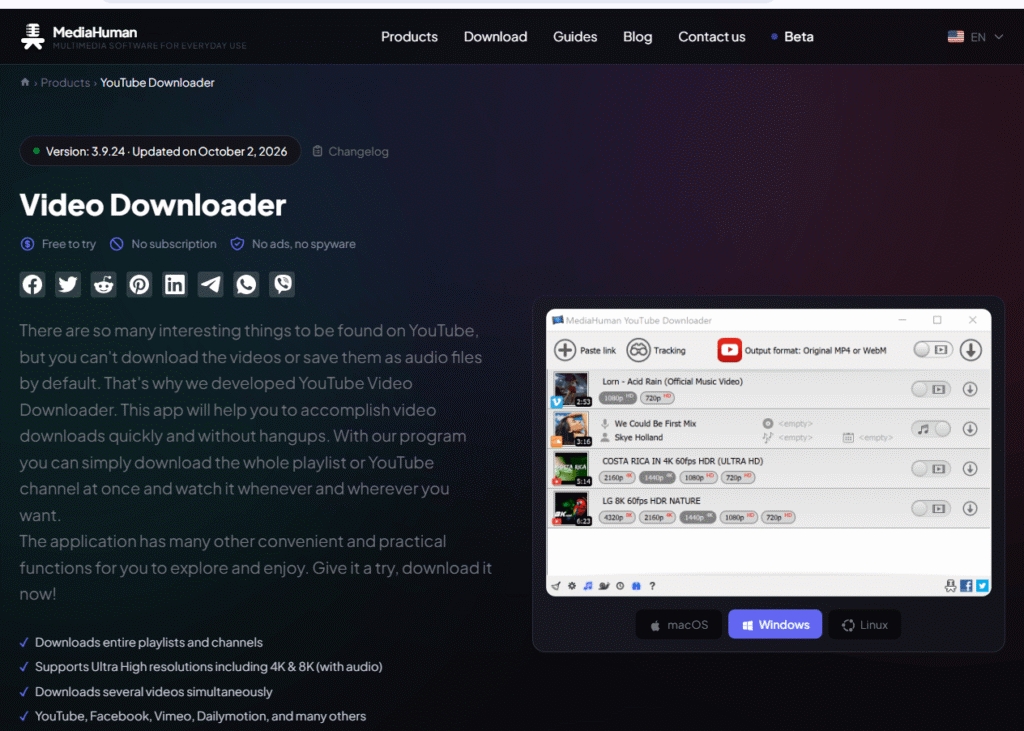
MediaHuman YouTube Downloader is a straightforward application for Windows, macOS and Linux. Like 4K Video Downloader, it is designed for batch operation, making it a good YouTube playlist downloader for, yes, downloading entire playlists or even channels.
Select the resolution, from 720p to 4K, and save to MP4 or MP3. The free trial is capped at around 20 downloads before requiring a licence. It is suitable for those who prefer one comprehensive app for their huge video collections, while larger teams may want to look at the best video content management systems.
Key features
- Playlist and channel downloads
- 720p to 4K quality choices
- MP4 and MP3 output
- Works on Windows, Mac and Linux
- Easy-to-read download queue
Pros
- Great for batch downloads
- Clean, simple layout
- Works on all major systems
- One-time payment
Cons
- Free trial is limited
- Upgrade reminders
- Fewer extras than 4K Video Downloader+
- Not open source
Pricing
Free trial. Full licence costs $29.99 one-time for one computer.
Safety Tips Before Downloading YouTube Videos
Always visit the official website of the software, scan the downloaded file and read all the screens during installation in order to choose those components which you really want. Always save files only if you own them or if you have permission to do so.
Be careful of phoney download buttons and links, unwanted browser add ons and codecs. Don’t ignore anti-virus messages and stay away from third-party downloaders that haven’t been verified.
Bouns Read: How to start a YouTube channel
Are YouTube to MP4 Converters Legal?
The tools are software that is legal; it’s just how you use them. Downloading videos without YouTube permission is not permitted by YouTube’s Terms of Service, and copyright law may be involved as well. It’s okay to download your own videos, or anything that has a definitive licence such as Creative Commons; for a whole neutrally-allowed approach, use the existing save offline feature in the app. This is general advice, not legal advice.
Final Verdict
It will really depend on your working style for the best free YouTube to MP4 converter. The recommendations are 4K Video Downloader+ for regular use, yt-dlp if you need total control, and ClipGrab for a simple and free experience. You can select Any Video Converter for conversion purposes, WinX for Windows, and MediaHuman for playlists. No matter what, download from the official website and download only authorised videos.