Quick Answer: Can You Reset Your Instagram Algorithm?
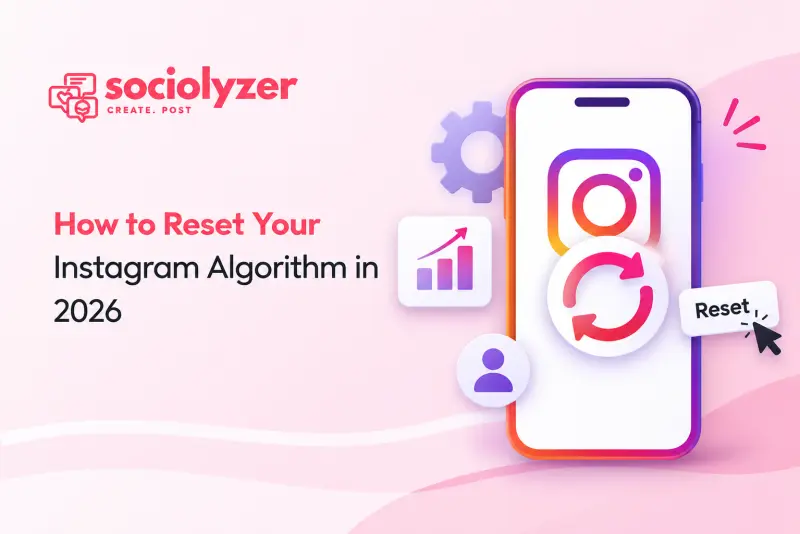
Yes. You can reset your Instagram algorithm with the Reset suggested content option, which refreshes recommendations in Explore, Reels and the suggested posts in your Feed. Go to your profile, tap the three-line menu, then choose Content preferences and Reset suggested content. After you confirm, Instagram starts learning your interests again from the accounts and content you interact with. Your posts, followers and account stay exactly as they are.
Reset Your Instagram Algorithm in 5 Simple Steps
If your recommendations no longer match your interests, follow these steps in the Instagram app:
- Open your profile: Tap your profile picture in the bottom right corner.
- Open the menu: Tap the three horizontal lines in the top right corner to open Settings and activity.
- Find Content preferences: Scroll to the What you see section and tap Content preferences.
- Choose Reset suggested content: Tap the option and read Instagram’s explanation of what the reset does.
- Review and confirm: If Instagram shows the accounts you follow, unfollow any you’ve lost interest in, then confirm the reset.
Once it’s done, Instagram starts refreshing your suggested content. Keep in mind that you can’t undo the reset, so check the confirmation screen before you continue.
What Changes After You Reset Your Instagram Algorithm?
An Instagram algorithm reset refreshes the recommendations you get. It doesn’t delete your account activity. Here’s what changes:
- Explore: Instagram starts suggesting new topics, creators and posts based on your new interactions.
- Reels: Video suggestions adapt to your updated viewing interests.
- Feed: Suggested posts from accounts you don’t follow change as recommendations rebuild.
However, the reset doesn’t touch your followers, following list, posts, messages, likes or saved content, and it doesn’t change how your own posts reach other people. It also doesn’t clear every kind of personalization, such as your ad preferences.
After the reset, Instagram gradually learns from your activity again. So watching Reels, liking and saving posts and following creators all shape what you see next.
Fine-Tune Your Instagram Feed With These 4 Controls
Sometimes you don’t need to reset everything. Instead, Instagram gives you individual controls to manage your recommendations.
Use the Your Algorithm Feature
Instagram’s Your Algorithm feature shows the topics Instagram links to your interests and lets you choose what you want to see more or less of. Open it from the icon in the Reels tab, review the suggested topics and update your preferences. Availability and placement can differ by account and region.
Mark Unwanted Posts as Not Interested
If you see an off-topic post or Reel, tap the three-dot menu and choose Not interested. This tells Instagram to show you fewer similar recommendations, so use it whenever a topic you don’t want keeps coming back.
Follow Accounts That Match Your Current Interests
The accounts you follow influence what Instagram recommends. So unfollow inactive or irrelevant accounts, and follow creators who post regularly about your hobbies, work or favorite topics.
Use Favorites and Following Feeds
With Favorites, you can prioritize posts from the accounts you care about most. Alternatively, the Following feed shows posts only from accounts you follow, in chronological order.
Instagram Algorithm Reset Not Working? Try These Fixes
If you can’t find the reset option or your recommendations haven’t changed, first make sure your app is up to date. Update Instagram from the App Store or Google Play, then go back to Settings and activity and look under Content preferences.
If the option still doesn’t appear, the feature may not be available for your account yet. In that case, shape your suggestions step by step with Not interested, your topic preferences and a cleanup of the accounts you follow.
Give Your Instagram Feed a Fresh Start
If your Explore page, Reels and suggested posts no longer reflect your interests, resetting your Instagram algorithm is the quickest way to start fresh. For a full refresh, use Reset suggested content.
Then reinforce the change by following relevant accounts, adjusting your topics and marking irrelevant posts as Not interested. That way, Instagram quickly learns what you actually want to see.