
Introduction
Creating a presentation can take quite a bit of time to complete if you don’t know how to design or tell a story; however, there are lots of users who have difficulty in structuring their own slides, writing content, and making an effective visual presentation.
Tome AI solves problems related to the creation of presentations by automatically creating them from simple input from users. This allows users to use this tool to produce slides quickly without having to experience high job acuity associated with an advanced skill set in design.
What is Tome AI?
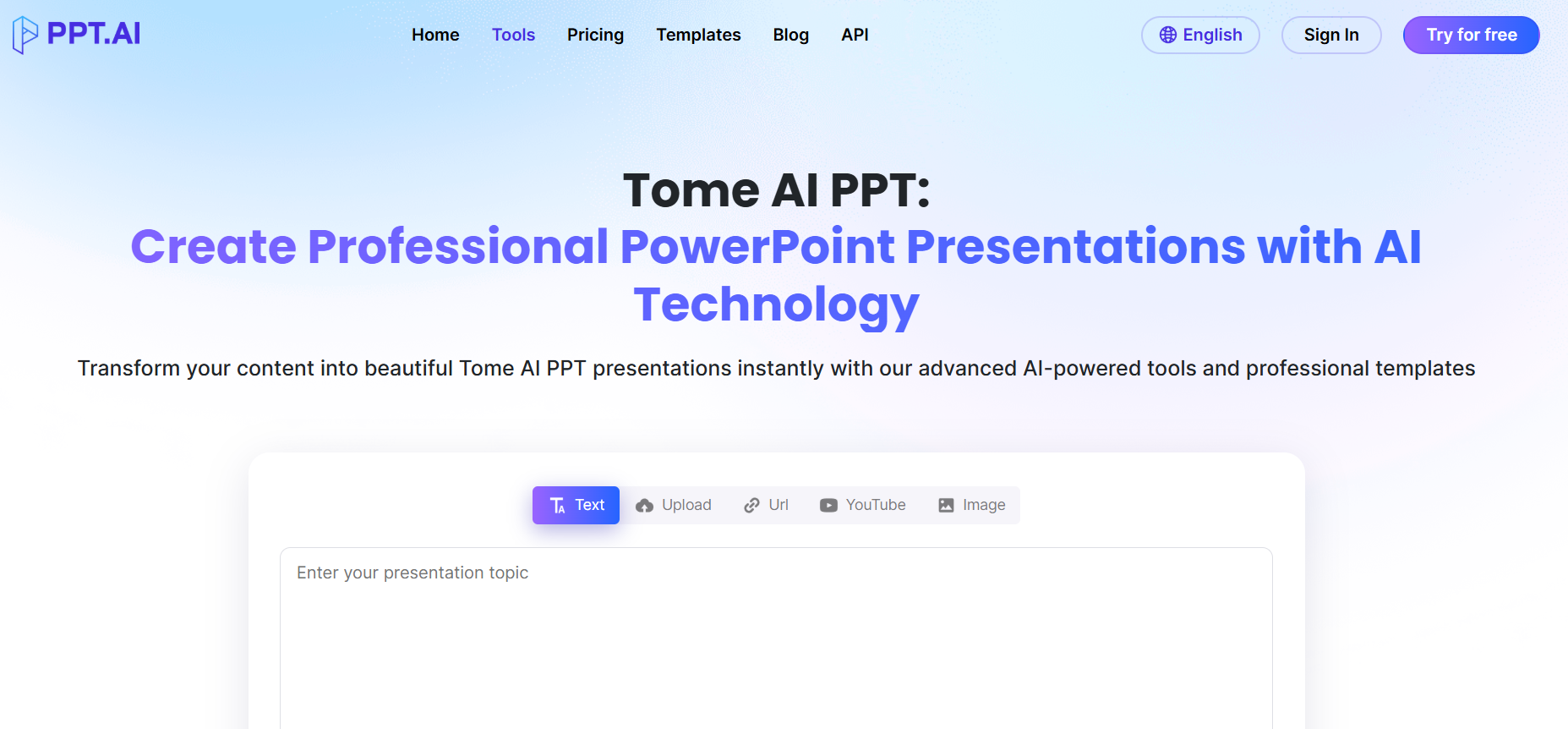
The AI-based presentation creation solution provides narratives, slide decks, and other formats of visually engaging material based on input from users. Users provide a topic, and the system will automatically create a professional presentation from start to finish without requiring the user to develop each individual slide manually.
Tome eliminates the need to write and develop slides separately, allowing you to combine these activities into one process. This means presentations take less time to complete and are produced more efficiently than previously experienced by many users.
Key Features of Tome AI
- AI Presentation Creator – Generates all of the slides for an entire presentation with only a single prompt.
- Structured Storytelling – Presents the information in a logical format, rather than random slides.
- Automated Slide Formatting – Automatically formats the slides in a professional, clean format.
- Embed or Link to Media Files – Allows for adding images/videos/embedded items.
- Collaborative Tools – Allows a user to share and/or collaborate with colleagues or team members.
- Web-Based Format – No installations necessary, access from any browser.
Bonus Read: What Is a Content Pillar? Why It’s Important for Content Strategy & SEO (2026)
Pros & Cons of Tome AI
Pros:
- Time saver
- Beginner friendly
- No design knowledge needed
- Ability to create structured documents
- Collaboration functionality is included
Cons:
- Less customizable than doing it from scratch
- Need to edit after generating
- Not suitable for complex presentations
- Requires an internet connection to use.
How to Use Tome AI
Step 1: Sign Up
Create an account on the platform.
Step 2: Enter Your Topic
Write a prompt or topic for your presentation.
Step 3: Generate Slides
Click on the generate button to create slides.
Step 4: Edit Content
Review and adjust text, images, and layout.
Step 5: Share or Present
Export or present directly from the platform.
Who Can Use Tome AI
- Students creating presentations
- Marketers preparing pitch decks
- Founders building business presentations
- Educators creating teaching material
- Professionals saving time on slide creation
What Makes Tome AI Unique?
Tome AI places an emphasis on storytelling rather than merely producing slides. Its approach to presentation development revolves around having a structure that will ultimately enable users to convey their thoughts effectively.
Its unique combination of content creation as well as design makes it very different from what you would find in most other presentation software.
Pricing & Plans
Tome AI offers a freemium pricing model.
Free Plan
- Basic presentation generation
- Limited features
- Standard usage
Paid Plans
- Advanced AI generation
- More customization options
- Collaboration features
Pricing may change, so users should check the official website for updated details.
Use Cases of Tome AI
1. Business Presentations
Create pitch decks and reports quickly.
2. Academic Work
Generate slides for assignments and projects.
3. Marketing Content
Build presentations for campaigns and strategies.
4. Internal Communication
Prepare team updates and reports.
Tome AI vs Traditional Presentation Tools
| Feature | Tome AI | Traditional Tools |
| Creation Speed | Fast | Manual |
| Design Skills Required | No | Yes |
| Content Generation | Yes | No |
| Customization | Limited | High |
| Best For | Quick presentations | Detailed design work |
Key Insight: Tome AI is better for speed and simplicity, while traditional tools are better for full control.
Conclusion
Using Tome AI to make a presentation quickly without concentrating on the design of the generated slides, it converts simple instructions into structured presentations more easily. While it does not compete with standard presentation software for producing individualized presentations, it can be used to quickly draft, brainstorm, and make simple presentations.