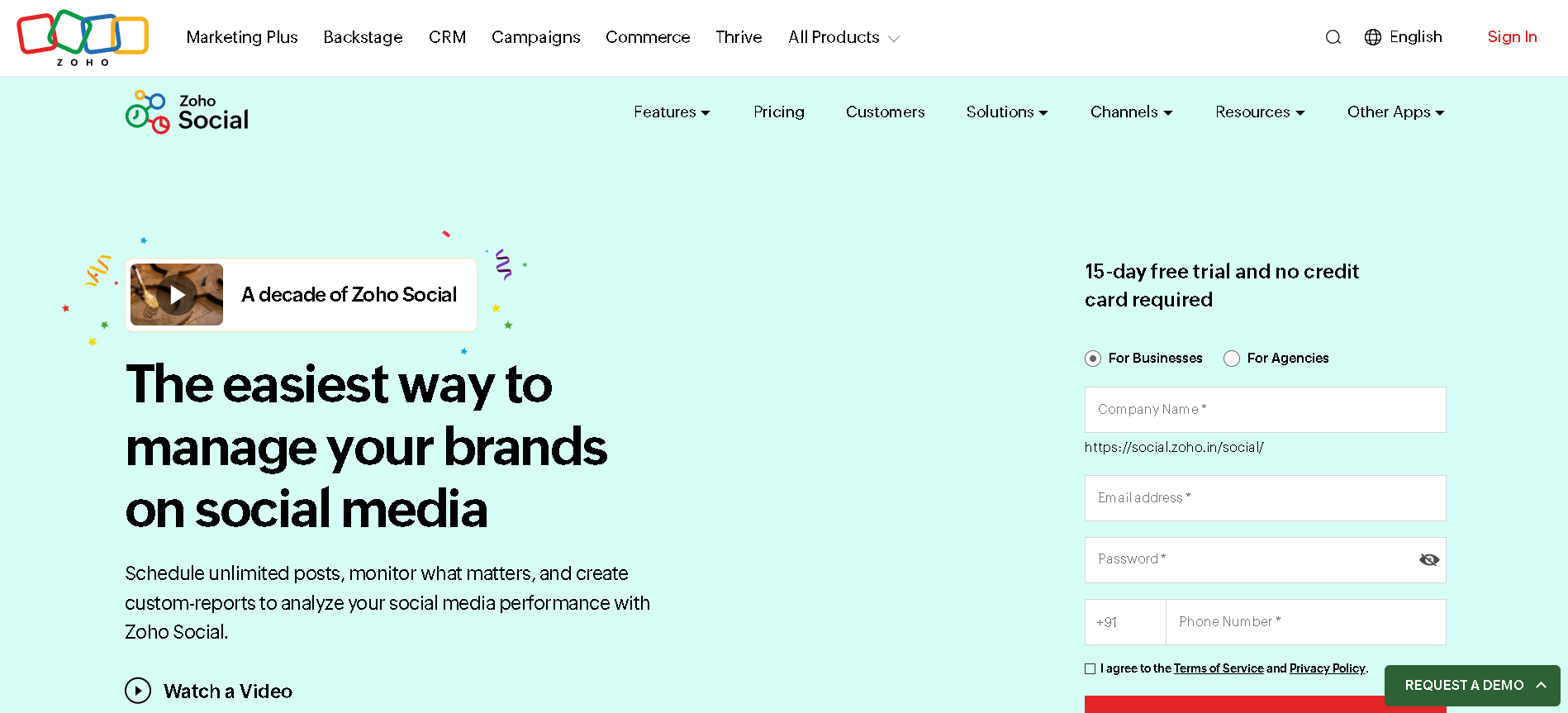
Zoho Social is a social media management and marketing tool designed to help individuals, agencies, and businesses schedule posts, analyze performance, and manage multiple accounts from one dashboard. It focuses on being powerful yet affordable, making it especially attractive for small to mid-sized businesses and marketing agencies.
Managing multiple social media accounts can quickly become overwhelming. Between creating content, scheduling posts, responding to comments, and tracking performance across different platforms, social media managers often find themselves buried in tabs and struggling to maintain consistency.
What is Zoho Social?
Zoho Social is an all-in-one social media management platform that allows users to plan, publish, analyze, and collaborate across major social networks. It supports platforms like Facebook, Instagram, LinkedIn, X (Twitter), Pinterest, TikTok, Threads, Bluesky, Mastodon, and Google Business Profile.
Unlike many complex enterprise tools, Zoho Social is built with simplicity in mind. The interface is clean, easy to navigate, and focused on helping users get work done faster without unnecessary clutter. It also integrates smoothly with other Zoho products like Zoho CRM and Zoho Desk, which makes it a solid pick if you’re already part of the Zoho ecosystem.
Key Features of Zoho Social
- Content Scheduling & Publishing: Plan and schedule posts weeks or months in advance. You can publish across all connected channels at once or pick specific ones individually, giving you full control over your content rollout.
- SmartQ – Optimal Posting Time: Instead of guessing when to post, SmartQ analyzes your audience’s behavior and automatically picks the best time for your content to go live. It’s one of the features users actually rely on day to day.
- Social Media Calendar: Get a visual overview of all your scheduled and published posts in one place. Drag and drop makes it easy to reschedule things on the fly, and you can filter by network, post type, or author to keep things organized.
- Social Monitoring: Keep track of what people are saying about your brand by monitoring keywords, hashtags, competitor activity, and mentions in real time. It’s a handy way to stay on top of conversations without being glued to every platform.
- Analytics & Reporting: Track engagement, reach, follower growth, and more through a clean analytics dashboard. Reports generate automatically based on your preferred schedule, and for agencies, branded reports can be sent straight to clients.
- Zoho CRM & Desk Integration: Push social conversations directly into your CRM as leads or convert them into support tickets with one click. It ties your social media efforts into the bigger sales and support picture.
Pros & Cons of Zoho Social
Pros:
- Significantly more affordable than competitors like Hootsuite or Sprout Social while still covering the essentials
- SmartQ feature takes the guesswork out of posting times
- Unified inbox makes managing conversations across platforms way easier
- Strong integration with Zoho CRM and Desk if you’re already in that ecosystem
- Real-time monitoring helps you stay on top of brand mentions and competitor moves
- Offers a forever-free plan so you can try it out without committing
Cons:
- Analytics are useful but not quite as detailed as what you’d get from the platforms themselves
- Adding extra brands or team members can get pricey on higher tiers, costs add up fast
- The mobile app works but feels a bit limited compared to the desktop version
- Some advanced features like custom reports and deeper analytics are locked behind the pricier plans
- Initial setup can feel a little overwhelming if you’re coming from a simpler tool
How to Use Zoho Social?
- Create your account and start the free trial
- Connect your social media pages
- Invite your team and set access levels
- Write posts or upload multiple posts at once
- Schedule posts or let SmartQ pick the best time
- Monitor mentions and hashtags
- Review performance in analytics
- Download or schedule reports
Who Should Use Zoho Social?
- Social media managers
- Digital marketing agencies
- Small and medium-sized businesses
- Freelancers handling multiple clients
- Startups looking for affordable social tools
- Businesses already using other Zoho products like CRM or Desk
What Makes Zoho Social Unique?
Zoho Social stands out because it doesn’t just manage your social media it connects it to the rest of your business. The integration with Zoho CRM means your social interactions can feed directly into your sales pipeline, and the Zoho Desk integration lets you turn conversations into support tickets instantly. That kind of cross-platform connectivity is hard to find at this price point.
SmartQ is another differentiator. While most tools let you schedule posts, Zoho Social actually tells you the best time to post based on your audience’s activity. It’s a small detail that adds up over time.
Pricing & Plans
- Standard: Good for individuals or small businesses starting with basic scheduling and analytics.
- Professional: Adds more publishing tools, SmartQ suggestions, and better reporting.
- Premium / Agency: Best for larger teams or agencies includes advanced collaboration, listening, and deeper analytics.
- Agency Plus: The highest tier for managing clients at scale with maximum users and profiles.
Conclusion
Zoho Social is a practical and cost-effective social media management tool that covers what most businesses and agencies actually need. It simplifies scheduling, keeps your team on the same page, and gives you real insights into how your content is performing all without the bloated feature set of enterprise tools.
The Zoho ecosystem integration is where it really shines compared to standalone social media tools. If you’re already using Zoho CRM or Desk, adding Zoho Social feels like a natural next step. Even if you’re not, the tool holds its own as a solid, affordable option for managing social media at scale.