
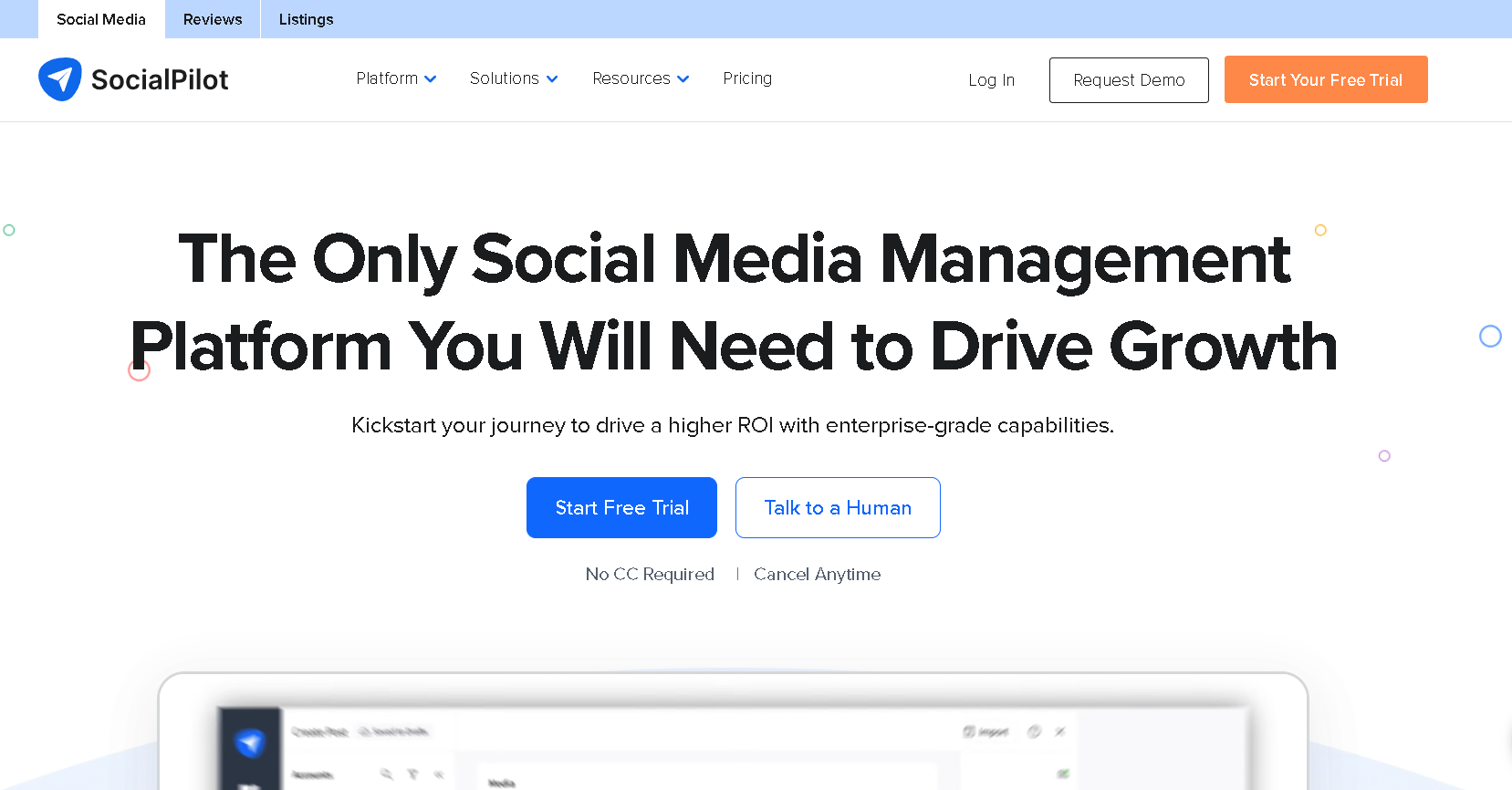
SocialPilot is a social media management and marketing tool designed to help individuals, agencies, and businesses schedule posts, analyze performance, and manage multiple accounts from one dashboard. It focuses on being powerful yet affordable, making it especially attractive for small to mid-sized businesses and marketing agencies.
Managing multiple social media accounts can quickly become overwhelming. Between creating content, scheduling posts, responding to comments, and tracking performance across different platforms, social media managers often find themselves buried in tabs and struggling to maintain consistency.
What is SocialPilot?
SocialPilot is an all-in-one social media management platform that allows users to plan, publish, analyze, and collaborate across major social networks. It supports platforms like Facebook, Instagram, LinkedIn, X (Twitter), Pinterest, TikTok, and Google Business Profile.
Unlike many complex enterprise tools, SocialPilot is built with simplicity in mind. The interface is clean, easy to navigate, and focused on helping users get work done faster without unnecessary clutter.
Key Features of SocialPilot
- Content Scheduling & Publishing: Plan and schedule posts weeks or months in advance. The calendar view lets you visualize your content strategy and ensure you’re posting consistently across all channels.
- Bulk Scheduling: Upload hundreds of posts at once using a CSV file. This is a massive time-saver for teams that plan content in batches or need to schedule repetitive posts.
- Social Media Calendar: View all your scheduled content in one visual calendar. You can easily spot gaps in your posting schedule or identify days when you’re posting too much.
- Team Collaboration: Invite team members with different permission levels. Some can create content, others can approve it, and managers can oversee everything without giving full access to everyone.
- Content Curation: Discover trending content in your niche and share it with your audience. The built-in RSS feed integration helps you stay on top of industry news.
- White Label Reports: Create professional-looking reports with your own branding. This is especially useful for agencies presenting results to clients.
- Analytics & Insights: Track performance metrics like engagement, reach, and follower growth. The analytics dashboard shows which posts are working and which aren’t.
- Client Management: Agencies can manage multiple clients from separate workspaces, keeping everything organized and making billing simpler.
- Browser Extension: Share content directly from any webpage without logging into the dashboard.
- AI Assistant: Get help with caption writing and content ideas when you’re stuck or short on time.
Pros & Cons of SocialPilot
Pros:
- Significantly more affordable than many competitors while offering similar features
- Clean, intuitive interface that doesn’t require extensive training
- Bulk scheduling saves hours of manual work each week
- White label reporting makes it perfect for agencies
- Supports all major social platforms in one dashboard
- Reliable customer support team
Cons:
- Analytics are helpful but not as detailed as platform-native insights
- The mobile app exists but isn’t as feature-rich as the desktop version
- Some advanced automation features require higher-tier plans
- Instagram carousel posts have occasional formatting issues
How to Use SocialPilot?
Getting started with SocialPilot is straightforward:
- Create an account and select the plan that fits your needs
- Connect your social media accounts through the dashboard (the platform will guide you through authorization)
- Add team members if you’re working with others, and assign appropriate roles
- Start creating content using the composer or upload posts in bulk via CSV
- Schedule your posts by selecting dates and times, or let SocialPilot suggest optimal posting times
- Set up analytics to track which content resonates with your audience
- Generate reports to measure your social media ROI and adjust strategy accordingly
Who Should Use SocialPilot?
- Social media managers
- Digital marketing agencies
- Small and medium-sized businesses
- Freelancers handling multiple clients
- Startups looking for affordable social tools
- Content creators managing several platforms
What Makes SocialPilot Unique?
SocialPilot stands out because it balances affordability with features that agencies actually need. Many tools become expensive as you add users or accounts, but SocialPilot offers generous limits at competitive pricing.
Its bulk scheduling, client management, and clean reporting make it especially valuable for agencies that manage social media at scale without wanting enterprise-level complexity.
Pricing & Plans
SocialPilot uses a subscription-based pricing model. Plans are typically structured based on the number of social accounts, users, and features included.
- Professional Plans: Ideal for individuals and small teams
- Small Team & Agency Plans: Designed for agencies managing multiple clients
- Advanced Plans: Offer higher limits, more users, and deeper analytics
Pricing can vary based on promotions and plan updates, so it’s best to check SocialPilot’s official website for the latest details.
Conclusion
SocialPilot is a practical and cost-effective social media management tool that delivers exactly what most businesses and agencies need. It simplifies scheduling, improves collaboration, and provides clear insights into performance without overwhelming users with complexity.
While it may not offer every advanced AI or listening feature found in enterprise tools, its pricing, ease of use, and agency-focused features make it a strong choice. For anyone looking to manage social media efficiently without breaking the budget, SocialPilot is a solid and reliable option.