
Introduction
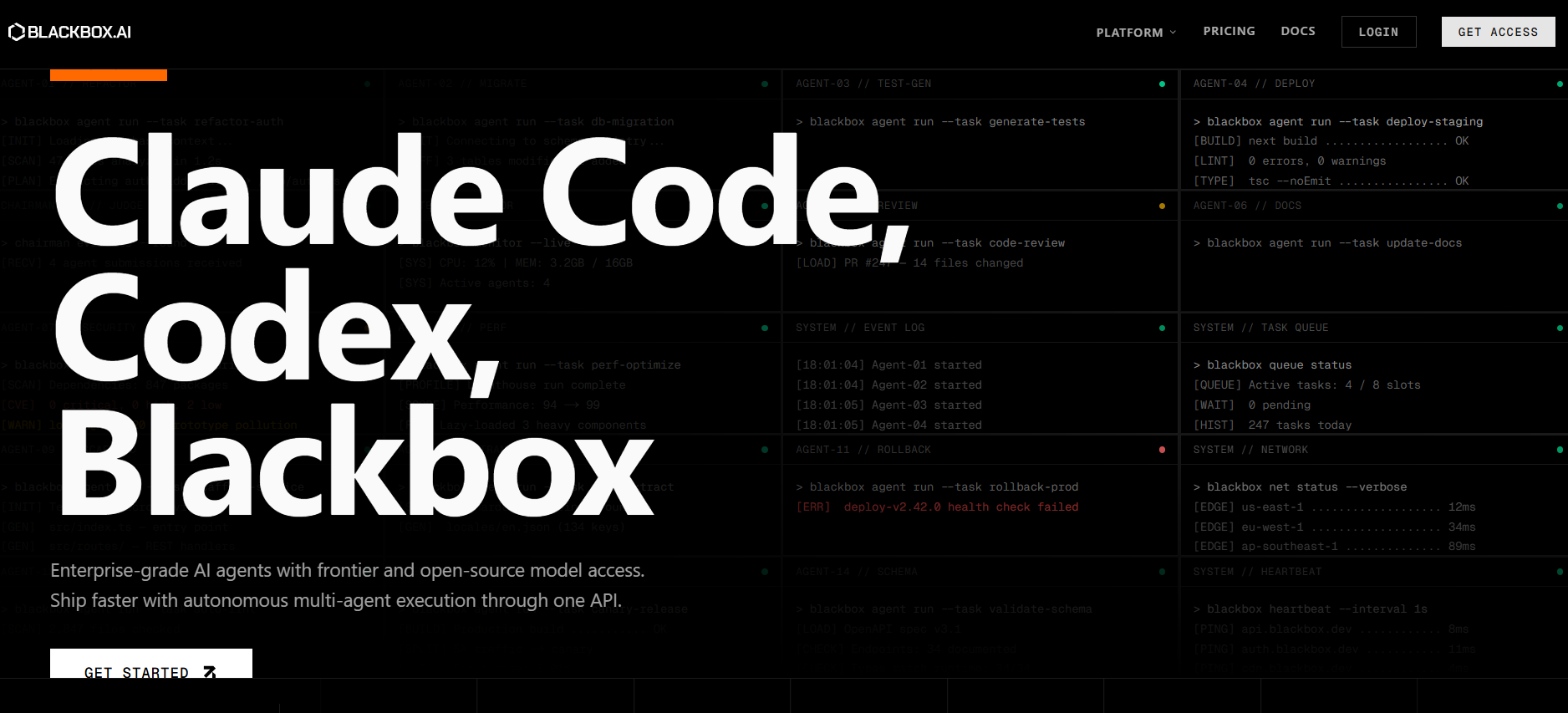
Blackbox AI is a developer coding companion that leverages natural language to facilitate code writing, review, and repair. It saves time by automating repetitive coding tasks and accelerating solution discovery.
Initially developed as a code completion and search application, Blackbox has now matured into an entire platform for AI-assisted coding (through a web-based interface, extension for Visual Studio Code, and mobile application).
What is Blackbox AI?
Developers can generate and comprehend how to write code using the Blackbox AI code generation platform, which utilizes artificial intelligence to provide an easy-to-understand interface. Developers don’t need to manually write each piece of code when they can ask the AI for functional or descriptive code.
Blackbox supports various programming languages. Developers can use Blackbox AI for function creation, error correction, and exploring different code iterations.
Key Features of Blackbox AI
- Code Creation Using AI – Generate code pieces according to what users indicate they want or need.
- Completion of Code at the Time of Writing – Receive suggestions while coding on certain supported programs.
- Code Reference (Searchable) – Refer to a large reference library of code examples that are pertinent to your needs.
- Debugging Help – Get assistance in locating errors and receiving recommendations for resolution.
- Visual Studio Extension – Incorporate Blackbox AI directly into Visual Studio through its extension.
- Open-Browser Chat Interface – Communicate with AI through an open-browser chat to write and evaluate code.
- Mobile Device Use – Access the service from your Android device for on-the-go coding support.
Pros & Cons of Blackbox AI
Pros:
- Increased speed of coding tasks
- Multiple programming languages are supported
- Code search and debugging support
- Integration with Visual Studio Code
- Support on web/mobile platforms
Cons:
- Generated code may need to be manually validated for correctness
- Paid plans may be needed for advanced features
- Quality of output based on prompt quality
- Cannot replace programming knowledge
How to Use Blackbox AI
Step 1: Sign Up
Create an account on the Blackbox AI platform.
Step 2: Choose Access Method
Use the web interface or install the VS Code extension.
Step 3: Enter a Prompt
Describe the coding task or problem you want to solve.
Step 4: Review Output
Check the generated code or suggestions.
Step 5: Test and Refine
Use the code in your project and make adjustments if needed.
Who Can Use Blackbox AI
- Software developers writing code
- Students learning programming
- Engineers debugging applications
- Developers searching for code examples
- Teams working on software projects
What Makes Blackbox AI Unique?
Blackbox AI is a unified platform for code generation, code searching, and code debugging. By bringing these three functions into one system, developers are able to work on many things without switching AI tools.
Its integration with development platforms such as Visual Studio Code means that developers can be productive when working with AI through their coding routine.
Pricing & Plans
Blackbox AI offers both free and paid options based on usage.
Free Plan
- Basic coding assistance
- Limited usage
Paid Plans
- Higher usage limits
- Faster responses
- Access to advanced features
Pricing may change, so users should check the official website for updated details.
Final Thoughts
Developers can use Blackbox AI as a real-world developer productivity tool that allows them to develop and maintain code in a more efficient manner. This tool will allow you to create code or create solutions to a problem, or resolve errors using natural language. Although this tool should not replace your own manual reviews, it can greatly increase your productivity when doing day-to-day development work.